Education Department Portal - Copy this Html, Bootstrap Component to your project
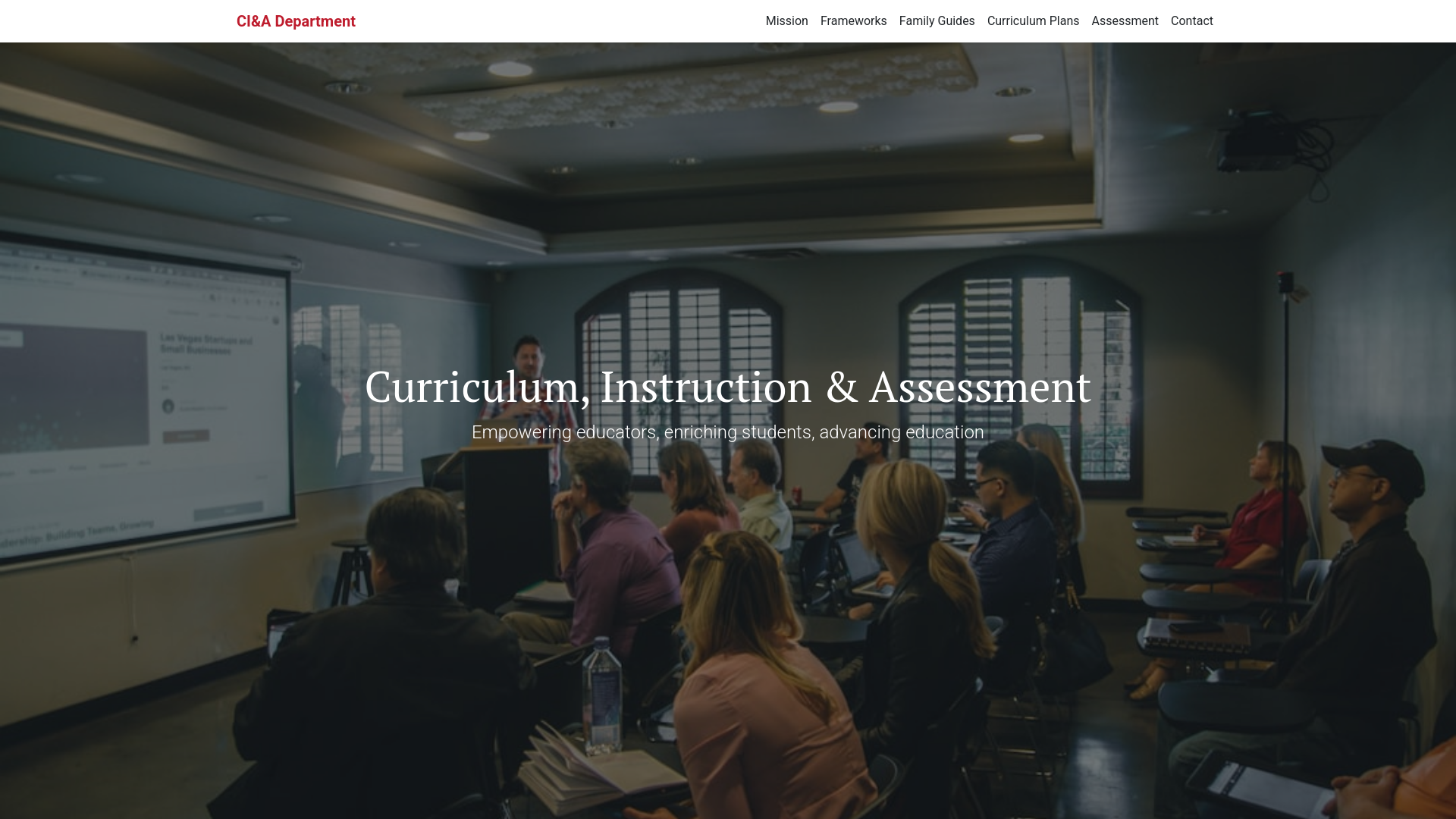
Design a department page called: Curriculum Instruction and Assesement for an Academics department with color #be1c2d and Main Font: Roboto, Accent Font: PT Serif with the following information: Curriculum, Instruction, and Assessment department page. The goal is to make it clear, welcoming, and easy to navigate for families, educators, and stakeholders. 🌟 Curriculum, Instruction & Assessment Empowering students through aligned curriculum, quality instruction, and meaningful assessment. 🔍 Our Mission The Curriculum, Instruction & Assessment Department partners with principals, instructional coaches, and educators to support excellence in teaching and learning. We focus on high quality instruction, curriculum alignment to the Massachusetts Curriculum Frameworks, robust assessment strategies, and ongoing professional development. 📘 Massachusetts Curriculum Frameworks The Frameworks ensure every student has access to the same academic expectations—regardless of background or location. 👉 Learn more on mass.edu » 👨👩👧👦 Family Guides to Learning Standards Understand what your child is expected to learn each year with easy to read guides available in: English Spanish Brazilian Portuguese Simplified Chinese 👉 View Family Guides on mass.edu » 📅 Chelsea Year Long Curriculum Plans In collaboration with Everett, Malden, Revere, and Winthrop, we develop year long plans from K–8 that clearly outline what students need to know and do. 👉 Access Plans on the 5DP Website » 🧪 Assessment at Chelsea Public Schools Our assessments measure both achievement and growth, and include: State mandated tests (MCAS, ACCESS) District assessments (5DP, benchmarks) Performance & formative assessments Tech based platforms We use data from these assessments to support and personalize learning. 👥 Curriculum Coordinators Role Name Email ELA K–4 Katie Schubmehl webberk@chelseaschools.com ELA 5–12 To Be Determined TBD STEM K–6 Matt Messina messinam@chelseaschools.com STEM 7–12 Christina DiCalogero dicalogeroc@chelseaschools.com and create a Perfect! Here’s a section by section breakdown with recommended icons and Lottie animations (lightweight, playful, and engaging) to make your Curriculum, Instruction & Assessment page both informative and visually appealing. 🎯 1. Header: "Curriculum, Instruction & Assessment" Icon/Lottie Ideas: Lottie: Education Dashboard Static Icon: A lightbulb, open book, or chalkboard Vibe: Scholarly, organized, modern 🧭 2. Our Mission Lottie: Teamwork Collaboration Icon: Three people around a table or a school building Vibe: Unity, partnership, guidance 📘 3. Massachusetts Curriculum Frameworks Lottie: Checklist Curriculum Icon: Checklist, document, or graduation cap Vibe: Clarity, structure, academic standards 👨👩👧👦 4. Family Guides Lottie: Family with Kids Icon: Heart with people, parent & child silhouette Vibe: Family friendly, inclusive, multilingual support 🗂️ 5. Year Long Plans (5DP) Lottie: Planning Board Icon: Calendar, roadmap, timeline Vibe: Structure, foresight, district collaboration 🧪 6. Assessment Lottie: Data Analytics Icon: Bar chart, pie graph, magnifying glass over data Vibe: Insightful, growth oriented, digital friendly 👥 7. Curriculum Coordinators Lottie: User Profiles Icon: Person with headset, teacher avatar, contact card Vibe: Accessible, friendly, role clarity 🌐 Universal/Section Separators Optional background animations or section transitions: Abstract Wave Loop Subtle Dotted Background