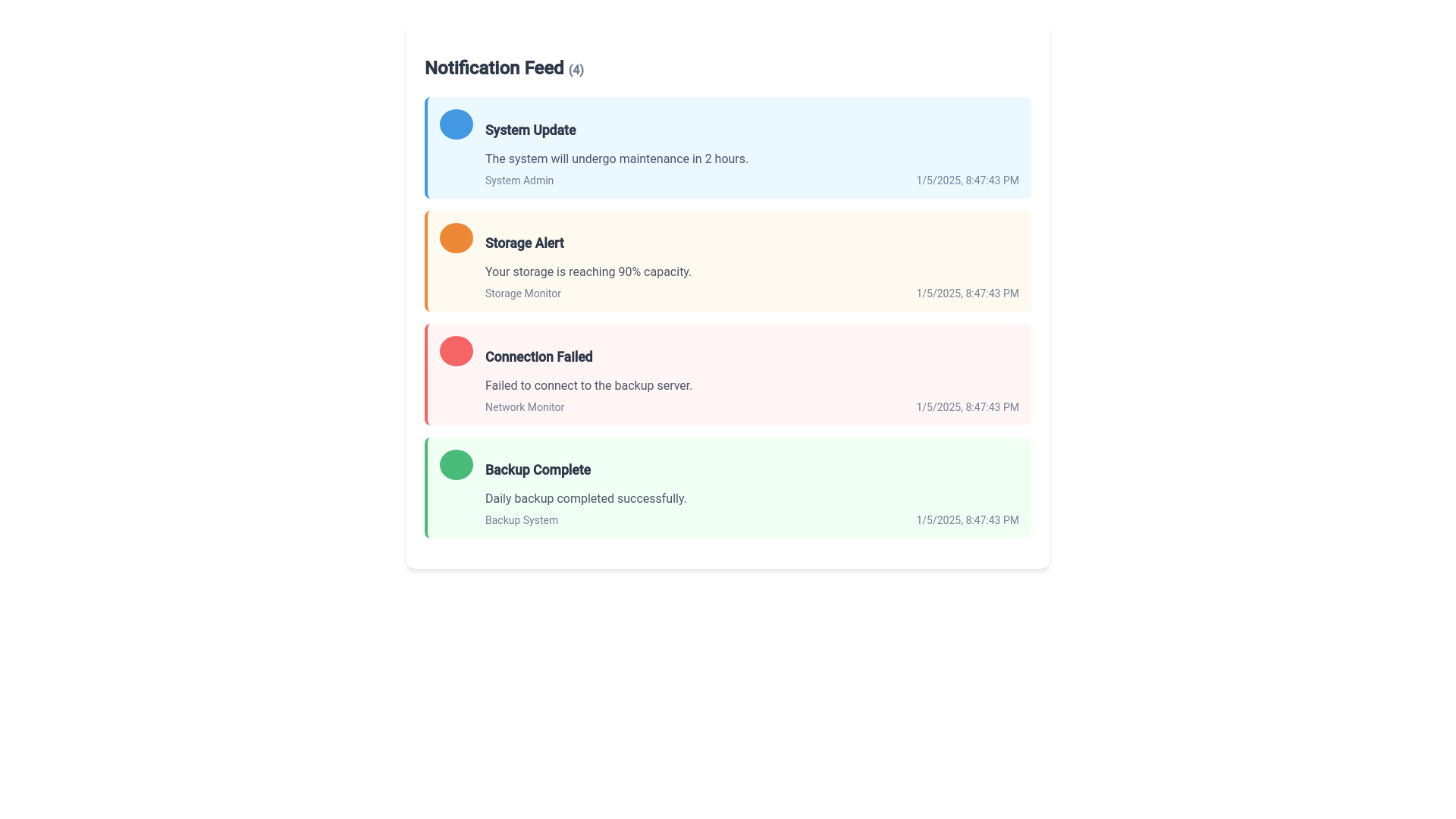
Notification Feed - Copy this Angular, Css Component to your project
Create an angular component for a notification feed based on the following code. In your generation, keep all text intact and only use colors from the palette. import React from 'react'; import { Truck, Package, AlertCircle, CheckCircle2, BarChart2 } from 'lucide react'; const NotificationFeed = () => { const notifications = [ { id: 1, type: 'delivery', title: 'Delivery Scheduled', message: 'A quantity of 1 Pool Chemical (Bucket) was scheduled to be delivered to Foothills Aquatics Cleveland Mall on 02/05/2025 on Truck #1.', author: 'Andresh Singhh', time: '2 hours, 22 minutes ago', icon: Truck, color: 'bg blue 50 border blue 100' }, { id: 2, type: 'critical', title: 'Critically Low Supply at Warehouse', message: 'A critically low quantity of 1 Pool Chemical (Bucket) was recorded at Main Warehouse.', author: 'Andresh Singhh', time: '2 hours, 22 minutes ago', icon: AlertCircle, color: 'bg red 50 border red 100' }, { id: 3, type: 'supply', title: 'Supply Delivered (Direct from Warehouse)', message: 'A quantity of 1 Pool Chemical (Bucket) was delivered direct to Foothills Aquatics Cleveland Mall from Main Warehouse.', author: 'Andresh Singhh', time: '2 hours, 34 minutes ago', icon: Package, color: 'bg blue 50 border blue 100' }, { id: 4, type: 'warning', title: 'Low Supply at Warehouse', message: 'A low quantity of 2 Pool Chemical (Bucket) was recorded at Main Warehouse.', author: 'Andresh Singhh', time: '2 hours, 34 minutes ago', icon: BarChart2, color: 'bg yellow 50 border yellow 100' }, { id: 5, type: 'success', title: 'Inventory Completed', message: 'A full inventory was completed at Foothills Aquatics Cleveland Mall.', author: 'Andresh Singhh', time: '2 hours, 35 minutes ago', icon: CheckCircle2, color: 'bg blue 50 border blue 100' } ]; return ( <div className="max w 2xl mx auto p 4"> <div className="flex items center justify between mb 6"> <h2 className="text lg font semibold">Notification Feed</h2> <div className="flex items center"> <span className="text sm text gray 500 mr 2">ALL</span> <span className="bg gray 100 text gray 600 text xs px 2 py 1 rounded full">(105)</span> </div> </div> <div className="space y 4"> {notifications.map((notification) => { const Icon = notification.icon; return ( <div key={notification.id} className={`p 4 rounded lg border ${notification.color} transition all duration 200 hover:shadow sm`} > <div className="flex items start space x 3"> <div className="flex shrink 0"> <Icon className="w 5 h 5 text gray 600" /> </div> <div className="flex 1 min w 0"> <p className="text sm font medium text gray 900 mb 1"> {notification.title} </p> <p className="text sm text gray 600 mb 2"> {notification.message} </p> <div className="flex items center"> <div className="flex shrink 0"> <div className="w 6 h 6 rounded full bg gray 200 flex items center justify center"> <span className="text xs text gray 600">AS</span> </div> </div> <div className="ml 2 flex items center text sm text gray 500"> <span className="font medium mr 2">{notification.author}</span> <span>{notification.time}</span> </div> </div> </div> </div> </div> ); })} </div> </div> ); }; export default NotificationFeed;