Employee Hierarchy - Copy this React, Tailwind Component to your project
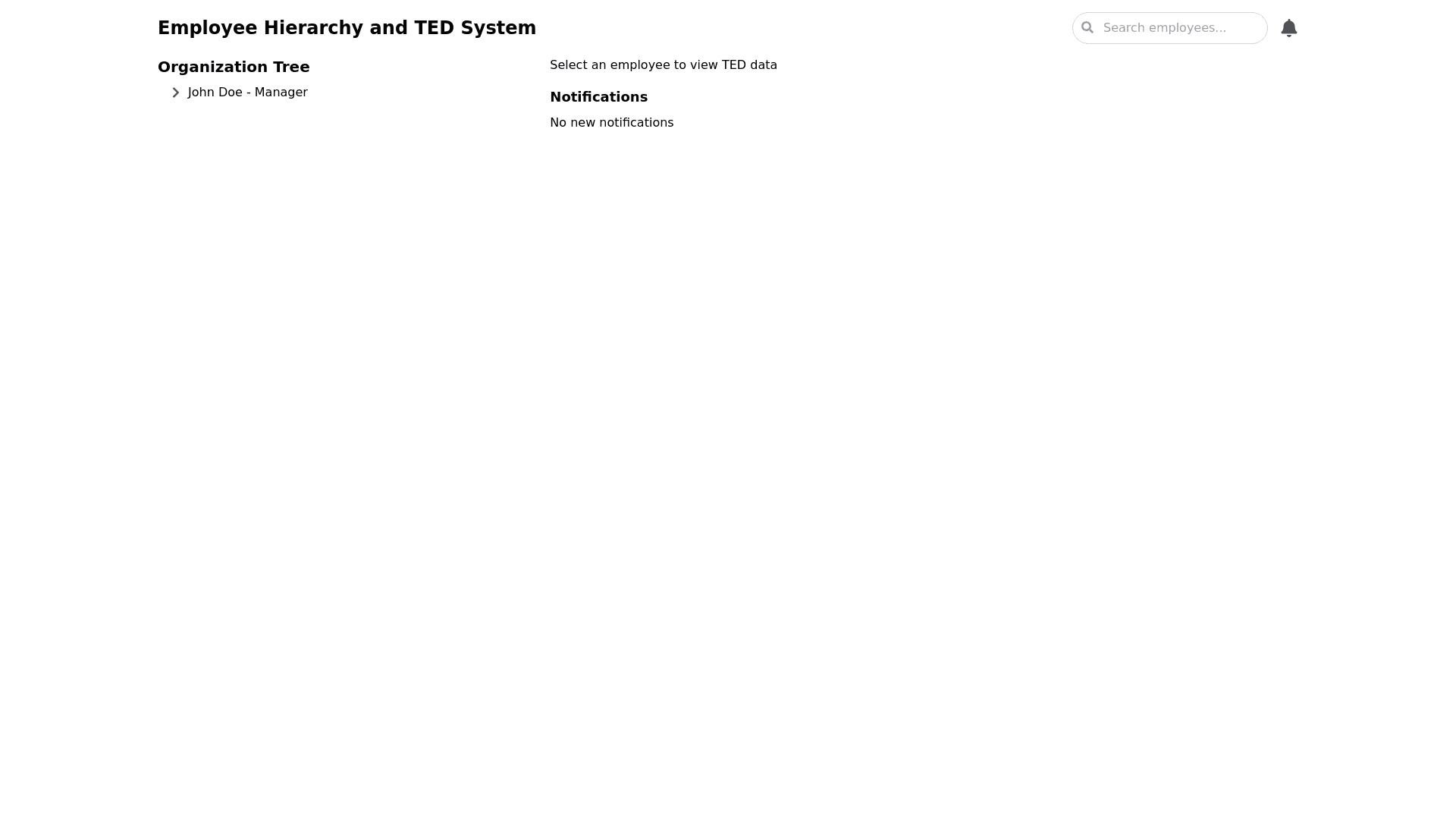
Design a responsive frontend user interface for a web based system that involves a multi level hierarchy of employees and supervisors. Each supervisor manages a team of employees, some of whom may also be supervisors managing their own teams. The UI should allow supervisors and managers to interact with the system based on their role, with the following features: Dynamic Tree View: A collapsible tree view representing the organizational hierarchy. Each node in the tree is an employee, with the ability to expand/collapse to reveal or hide subordinates. Clicking on any employee should display their TED (Time Effort Delivery) data, which includes fields like 'Output Location', 'Time Effort', 'Type of Work', and 'Supervisor Notes'. TED Table: Display a table for each employee’s TED entries. The table should include editable fields for supervisors and managers (notes, type of work). Employees should only be able to view their own TED data but not edit it. Use inline editing in the table where supervisors/managers can edit work types and add notes. Role Based Access: Managers can view and edit TEDs for any employee under their hierarchy. Supervisors can add/edit TEDs and notes for employees directly under them. Both supervisors and managers should be able to categorize the type of work done by their team members using a dropdown in the TED table. Notifications Panel: Include a notifications panel for supervisors/managers that informs them of new TED submissions, late submissions, or approvals required. Each notification should have an "Approve" and "Reject" button, as seen in the existing UI. Global Search Bar: A search bar at the top of the hierarchy tree to allow supervisors/managers to quickly search for any employee within their hierarchy and access their TED data. TED Calendar View: A calendar view that allows supervisors and managers to select a date and see all TED submissions from employees for that specific day. Color code the entries based on whether the submission was on time or late (e.g., green for on time, red for late). The UI should be modern and clean, using React.js for the frontend and Tailwind CSS for styling. The layout should be optimized for usability, with a focus on a simple, intuitive navigation experience. The tree view should use a minimalistic design, while the tables and forms should resemble an Excel like structure for ease of data entry and viewing.