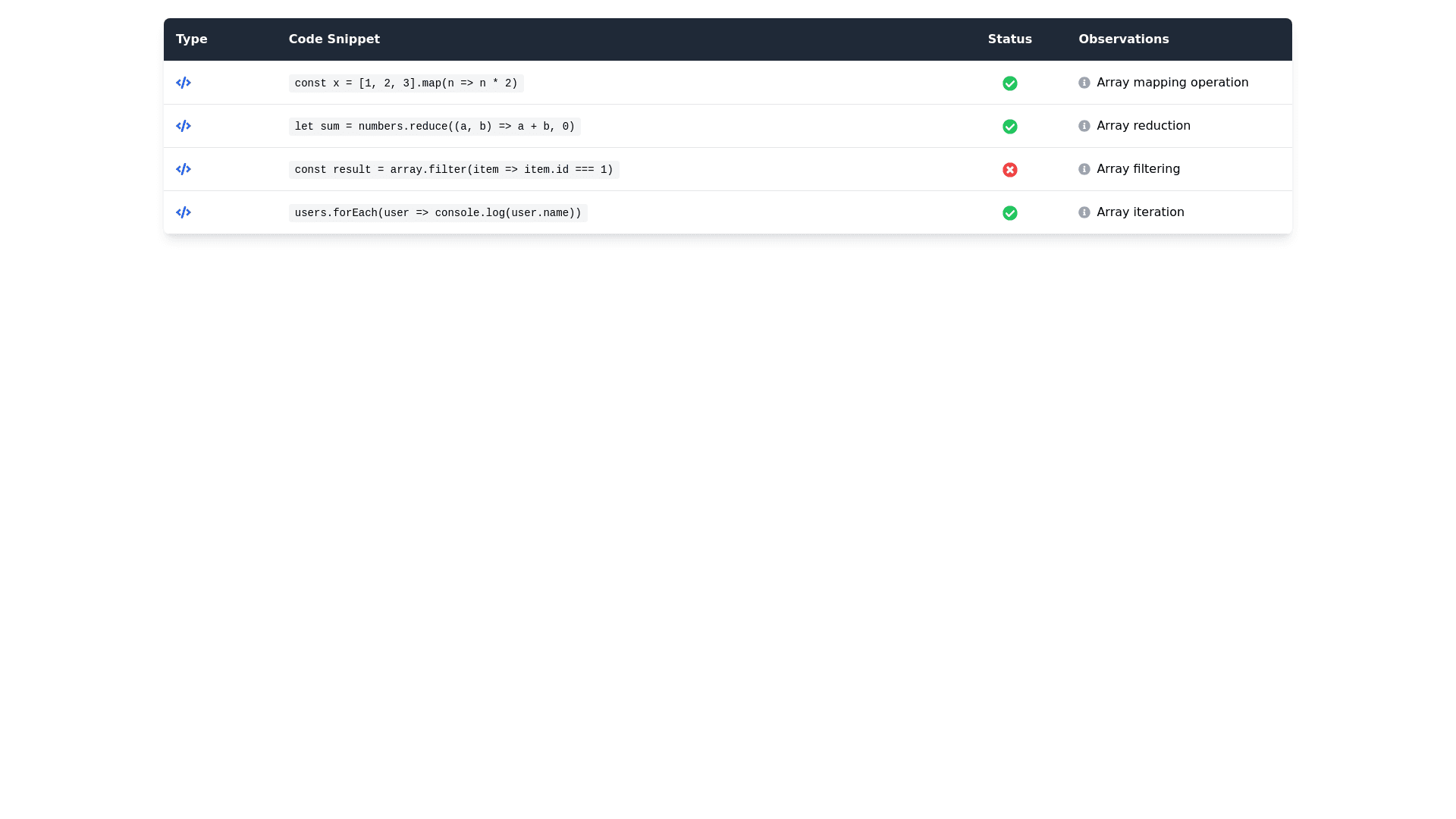
Fixed Width Table - Copy this React, Tailwind Component to your project
<!DOCTYPE html> <html lang="en"> <head> <meta charset="UTF-8"> <title>Table Example</title> <style> body { font-family: Arial, sans-serif; font-size: 10pt; /* Default font size for the document */ } table { width: 100%; border-collapse: collapse; margin-top: 20px; /* Increased space above the table */ margin-bottom: 10px; /* Space after table */ } th, td { border: 1px solid black; padding: 5px; font-size: 8pt; /* Font size for table content */ } th { font-weight: bold; background-color: black; color: white; font-size: 9pt; border: thin white solid; height: auto; /* Autofit height */ } th:first-child { width: 2%; /* First column width */ text-align: center; /* Center content */ } th:nth-child(2) { width: 57%; /* Second column width */ } th:nth-child(3) { width: 10%; /* Third column width */ text-align: center; /* Center content */ font-size: 10pt; /* Font size for column 3 */ } th:last-child { width: 31%; /* Last column width */ } code { font-family: monospace; white-space: pre-wrap; /* Preserve line breaks */ } .table-legend { text-align: center; font-style: italic; font-size: 9pt; margin-top: 10px; /* Margin above the legend */ margin-bottom: 20px; /* Space below the legend */ } </style> </head> <body> <div class="table-legend"><b>Heading:</b> <i>Code Formatting Examples</i></div> <table> <thead> <tr> <th>📜</th> <th>Code Snippet</th> <th>🚦</th> <th>Observations</th> </tr> </thead> <tbody> <tr> <td style="text-align: center;">JS</td> <td><code> function myFunc() { return 42; } </code></td> <td style="text-align: center;">✅</td> <td><b>a.</b> Correct indentation with braces on new lines.</td> </tr> <tr> <td style="text-align: center;">TS</td> <td><code> const result = [1, 2, 3].map(x => x * 2); </code></td> <td style="text-align: center;">❌</td> <td><b>a.</b> Square brackets used on the same line, violating the rule for non-numerical array indexing.</td> </tr> <tr> <td style="text-align: center;">JS</td> <td><code> const arr = [1, 'foo', true]; </code></td> <td style="text-align: center;">✅</td> <td><b>a.</b> Square brackets follow the formatting rules as the expression is simple and not violating the limit.</td> </tr> </tbody> </table> </body> </html> i need fixed widths for table columns, and col 1 width same as col 3 width