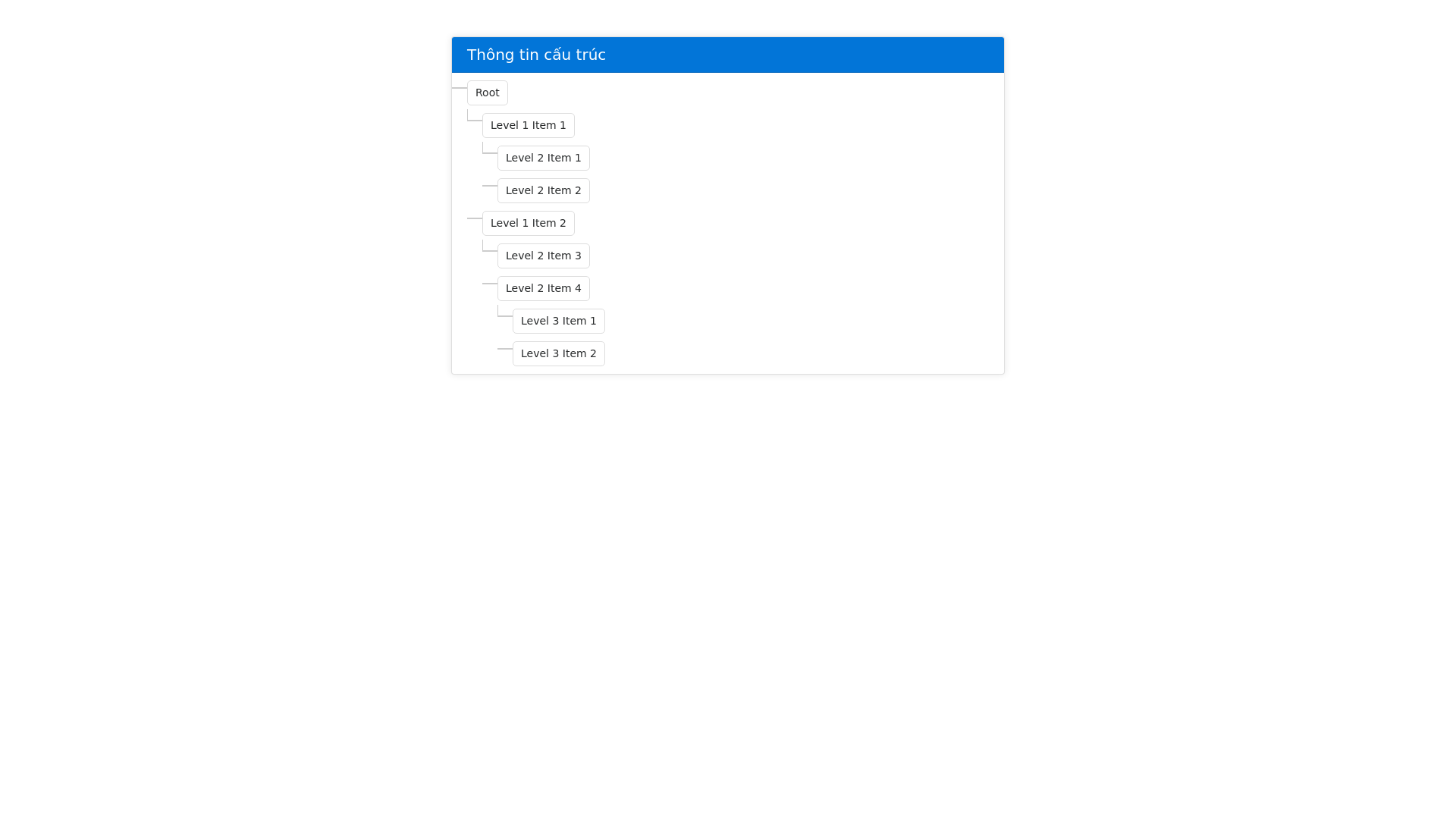
Title Popup Tree - Copy this Html, Bootstrap Component to your project
Using Rg.Plugins.Popup.Pages; using Rg.Plugins.Popup.Services; using System; using System.Collections.Generic; using System.Text; using Xamarin.Essentials; using Xamarin.Forms; namespace AppQLCVCapQL.View.LANSXKD { public class TitlePopup : PopupPage { public TitlePopup(string title) { var layout = new StackLayout { Padding = new Thickness(10), BackgroundColor = Color.White, VerticalOptions = LayoutOptions.Center, HorizontalOptions = LayoutOptions.Center }; // Tạo Label cho tiêu đề chính var titleLabel = new Label { Text = "Thông tin cấu trúc:", FontSize = 14, FontAttributes = FontAttributes.Bold, TextColor = Color.Black, HorizontalOptions = LayoutOptions.Center }; layout.Children.Add(titleLabel); // Thêm một ScrollView để xử lý nội dung dài var scrollView = new ScrollView { Content = GenerateTreeLayout(title), Orientation = ScrollOrientation.Both // Cho phép kéo cả chiều ngang và dọc }; layout.Children.Add(scrollView); Content = layout; } private StackLayout GenerateTreeLayout(string title) { var treeLayout = new StackLayout(); var items = title.Split(new[] { '\\' }, StringSplitOptions.RemoveEmptyEntries); for (int i = 0; i < items.Length; i++) { var indentLevel = i * 20; // 20 đơn vị thụt vào mỗi cấp var labelLayout = new StackLayout { Orientation = StackOrientation.Horizontal, Padding = new Thickness(0, 5) }; // Thêm các đường kẻ để hiển thị cấu trúc dạng cây if (i > 0) { var line = new BoxView { Color = Color.Gray, WidthRequest = 1, HeightRequest = 20, VerticalOptions = LayoutOptions.Center, Margin = new Thickness(indentLevel 15, 0, 5, 0) // Đường kẻ thụt vào so với cấp }; labelLayout.Children.Add(line); } // Thêm nhãn hiển thị dữ liệu var label = new Label { Text = items[i].Trim(), FontSize = 12, TextColor = Color.Black, Margin = new Thickness(indentLevel, 0, 0, 0) }; labelLayout.Children.Add(label); treeLayout.Children.Add(labelLayout); } return treeLayout; } } } hãy hiển thị đẹp giúp tôi code xamarin